

IFC and Revit Families: How They Relate (and How to Keep Data Intact)
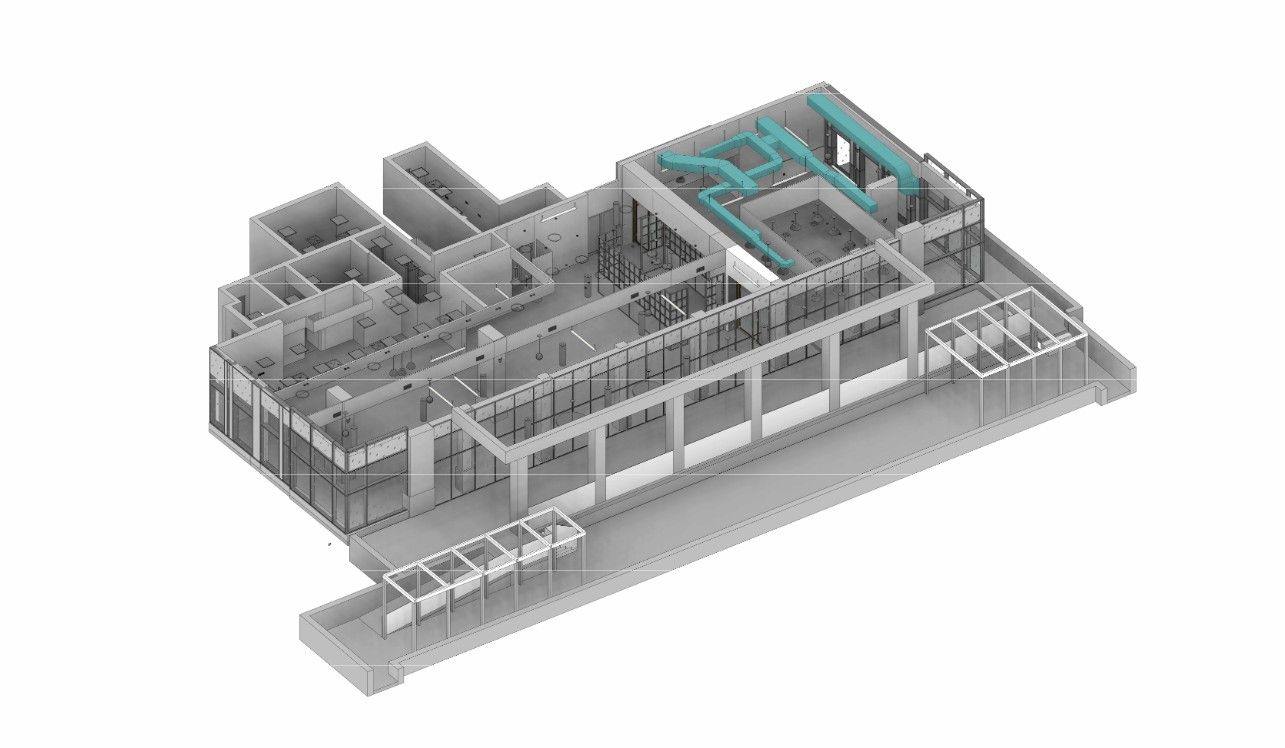

Revit families and IFC describe the same building objects in two different ways. A family is Revit’s own container for geometry, parameters and behavior. IFC is an open schema that describes objects through classes, types, property sets and geometric representations, so other software can read them. Every IFC export translates each family into that schema, and the result depends on decisions made when the family was built. This article explains how the translation works, where data gets lost, what happens when IFC is brought into Revit, and how to check an export.
If you need a refresher on the format itself, read IFC model and file format explained. For system, loadable and in-place families, types and parameters, see what is a Revit family. Here we focus on the link between the two.
How a Revit Category Becomes an IFC Class
Revit does not export families by name. It exports them by category and subcategory. The IFC exporter uses a mapping table that assigns each Revit category to an IFC class: walls become IfcWall (or IfcWallStandardCase in IFC 2×3), doors become IfcDoor, windows IfcWindow, floors IfcSlab, structural columns IfcColumn. MEP categories map to distribution classes: in IFC 2×3, air terminals, plumbing fixtures and lighting fixtures are exported as IfcFlowTerminal with a matching type object, while IFC4 adds more specific classes such as IfcAirTerminal, IfcSanitaryTerminal and IfcLightFixture.
The mapping table can be viewed and edited in the IFC export options, and a company can save its own version. This is the first reason the family template matters: a door modeled in the Generic Models category will not reach the IFC file as a door, whatever it looks like.
IFC Export Class and IfcExportAs
Sometimes the category is right for Revit but wrong for IFC, or the category has no good default. For these cases a family can override the class. The traditional method uses two shared parameters, IfcExportAs and IfcExportType, which come with Revit in an IFC shared parameter file. You add them to the family as type parameters and enter the class name for each type, for example IfcTransportElement for an escalator modeled as Specialty Equipment. Recent Revit versions also include built-in IFC parameters on types and instances, such as the class to export as, the predefined type and an option to exclude an element from export.
The value must match a supported IFC class exactly. Revit does not offer a drop-down list, so a typo silently sends the element back to the default mapping or to a proxy.
Predefined Types
An IFC class is often too broad on its own. IFC solves this with predefined types: an IfcAirTerminal can be a DIFFUSER, GRILLE or REGISTER, an IfcDoor can be a DOOR or a GATE. The predefined type is set through IfcExportType or the built-in predefined type parameter, and checking rules and facility management software rely on it, for example to tell a diffuser from a grille. Correct classification is part of good Revit MEP modeling and coordination.
Family Types Become IFC Type Objects
A Revit family type corresponds to an IFC type object: IfcDoorType, IfcWallType, IfcAirTerminalType. Each placed instance becomes an occurrence of the class, linked to its type. Type parameters can be written to the type object and instance parameters to the occurrence, so a family with a clean split between the two produces a cleaner IFC.
Revit Concepts and Their IFC Equivalents
| Revit | IFC | What to watch |
|---|---|---|
| Project, site, building, levels | IfcProject, IfcSite, IfcBuilding, IfcBuildingStorey | Levels marked as building stories become storeys; others do not |
| Category and subcategory | Entity class (IfcWall, IfcDoor, IfcFlowTerminal, IfcAirTerminal and others) | Set by the mapping table; Generic Models goes to IfcBuildingElementProxy by default |
| IfcExportAs / IFC export class parameter | Override of the class for a family type or instance | Exact class name, no drop-down |
| IfcExportType / predefined type parameter | PredefinedType attribute | Needed by checking rules and FM tools |
| Family type | Type object (IfcDoorType, IfcAirTerminalType) | Type name usually carries family and type name |
| Family instance | Occurrence of the class, linked to the type | Instance parameters export here |
| Parameters | Properties grouped in property sets (Psets) | Only mapped or enabled parameters reach the file |
| Shared parameter file and mapping file | User-defined property sets | Spelling and data types must match |
| Materials | IfcMaterial and material layers | Layered walls and floors export layer sets |
| Rooms and spaces | IfcSpace | Must be enabled in the export setup |
| MEP connectors | Ports (IfcDistributionPort) | Connectors without a system lose meaning |
| Family geometry at Coarse, Medium, Fine | Geometric representation (solids, faces, meshes) | Heavy or imported geometry inflates the file |
Parameters and Property Sets
In IFC, data is stored as properties grouped in property sets. Some sets are defined by the standard itself, such as Pset_WallCommon, Pset_DoorCommon or Pset_ManufacturerTypeInformation. Others are defined by a company or a project. The Revit exporter offers several ways to fill them:
- Revit property sets: all Revit parameters exported in sets named after their Revit parameter groups. This is complete but noisy, and receiving teams rarely look for data there.
- IFC common property sets: filled from Revit parameters whose names match the standard properties, for example FireRating or IsExternal.
- Base quantities: lengths, areas and volumes calculated from geometry.
- User-defined property sets: a text file that lists each set, whether it applies to instances or types, which IFC classes receive it, and its properties with data types and, if the names differ, the Revit parameter that feeds each one.
- A parameter mapping table that renames Revit parameters on export.
This is where shared parameters become essential. A parameter that exists only inside one family, with an ad hoc name, cannot be mapped consistently across a model. A shared parameter with a fixed name and data type can be added to many families and listed once in the user-defined property set file. When we build content through our Revit family creation services, the required shared parameters and the target property sets are agreed before modeling starts.
Detail Levels and What Is Exported as Geometry
A well-built family shows different geometry at Coarse, Medium and Fine, and uses symbolic lines for plan symbols. In IFC there are no detail levels in the Revit sense: the exporter writes one 3D representation per element. Which geometry ends up in the file depends on the export setup and the view used for export, so if you export the elements visible in a 3D view, set that view’s detail level and visibility on purpose. Symbolic lines and annotation inside families are plan-only and do not become 3D geometry.
The export setup also has its own level of detail option, which controls how finely curved elements are tessellated. Higher settings give smoother geometry and larger files. How much geometry a model needs at each stage is covered in BIM LOD levels explained.
Nested families need attention too. Shared nested families usually export as separate elements with their own class, while non-shared nested geometry becomes part of the parent element. A pump on an equipment skid will be a separate IFC object only if it was nested as shared.
Importing IFC into Revit: Why Objects Become Dumb
When an IFC file is linked or opened in Revit, its objects are not converted back into parametric families. Revit creates elements in the right categories, usually as direct shapes: fixed geometry with the IFC properties attached as read-only parameters. You cannot change the width of an imported door through a type parameter, flex its geometry or swap it for another size. Twenty identical windows may arrive as twenty separate objects rather than one family with one type.
The reason is structural. IFC describes the result, the object with its geometry and data, not the rules that generated it. The constraints, formulas and reference planes of a Revit family are not part of the schema. For coordination and clash detection, linked IFC models work well. For objects that the Revit team must edit, schedule by type or reuse, the practical answer is a native family.
Manufacturer Objects in IFC
Many manufacturers publish product content as IFC, as Revit families or both. In Revit, an IFC product file behaves like any other imported object: it carries data but is not parametric. For openBIM teams using other software, a well-classified IFC file is exactly what they need. The best approach for a manufacturer is usually a native Revit family as the master, with correct class, predefined type and property sets, from which the IFC version is exported and checked. We describe this workflow in more detail on our page about Revit families for manufacturers.
Common Mistakes When Exporting Families to IFC
- Everything ends up as IfcBuildingElementProxy. The proxy class is meant for objects that have no more specific class. It appears in bulk when families are built in Generic Models, when the mapping table is left at defaults for a category or when IfcExportAs contains a typo.
- Lost parameters. Data is missing because parameters are not shared, are not listed in the property set file, have mismatched names or data types, or are empty. Data sent only through the Revit property sets is technically present but hard for others to use.
- Wrong predefined type. The class is right, but every air terminal is USERDEFINED or NOTDEFINED, so checking rules and FM imports cannot tell them apart.
- Heavy geometry. Imported CAD, meshes from manufacturer models, small hidden parts and high tessellation settings produce large files that are slow for everyone downstream.
- Elements in the wrong storey. Families hosted on reference planes or levels that are not set as building stories end up assigned to unexpected storeys.
How to Check an IFC Export in a Free Viewer
Before an IFC file goes to the project team, open it in a free IFC viewer and check:
- Classes. Each family type exports as the intended class, and proxies appear only where expected.
- Predefined types. MEP terminals, doors and other key objects have meaningful predefined types.
- Types. Instances are linked to type objects with readable names.
- Property sets. The agreed sets are present, with correct values, units and data types, and without long lists of empty Revit properties.
- Spatial structure. Elements sit in the right site, building and storey; spaces are present if required.
- Geometry. Objects look as they do in Revit, with no missing parts or unexpected mesh detail, and the file size is reasonable.
- MEP systems. Ports and system assignments are present where the receiving team needs them.
- Consistency. A second export of the same model keeps the same element identifiers, so issues and comments stay attached.
These checks fit into a broader model review; see our guide to a BIM model audit.
FAQ
Is a Revit family the same as an IFC object?
How do I control which IFC class a family exports to?
Why do my Revit parameters not appear in the IFC file?
Can I turn an IFC file back into editable Revit families?
Which IFC version should I export families to?
Families That Keep Their Data in IFC
An IFC export is only as good as the families behind it. Correct categories, deliberate IFC classes and predefined types, shared parameters mapped to agreed property sets and light geometry make the difference between a model that others can use and a file full of proxies. ScanM2 builds Revit families with IFC classification and property sets defined from the start, exports models to .ifc and checks the result before delivery. Learn more about our Revit family creation services and Revit BIM modeling services, or send us your IFC requirements to discuss the scope.

ScanM2 Launches ScanTrack: Manage Tasks Directly in a 3D Virtual Tour
18.10.2026
How integrating as-built documentation using advanced 3D scanning and laser scanning technology can revolutionize your real estate marketing strategy. Learn the benefits for agents and ...

Which 3D Laser Scanner Should Architects Choose, and When Is Outsourcing Better?
17.10.2026
How integrating as-built documentation using advanced 3D scanning and laser scanning technology can revolutionize your real estate marketing strategy. Learn the benefits for agents and ...

INTERGEO: How Laser Scanning Is Becoming a Foundation for Management and Decision-Making
24.09.2026
ScanM2 once again took part in INTERGEO, which was held in Munich this year. For us, the event is an opportunity to meet with partners, ...

How 3D Laser Scanning Measures Floor Flatness and Levelness
22.09.2026
Floor flatness and levelness can directly affect equipment installation, racking systems, automated material handling, production lines, flooring systems, and other construction activities that depend on ...

